
Protected: Custom Video Memory of Moose Hunt for Travis
There is no excerpt because this is a protected post.

Call Us At: 701.866.2098

There is no excerpt because this is a protected post.

We’re excited to highlight the Interactive Map project developed for North Dakota State University (NDSU) — a fully customized, responsive tool designed to help students and visitors explore campus housing and dining options in a visually engaging and intuitive way. Project Overview Client: North Dakota State UniversityObjective: Build an interactive campus map showcasing dorms, dining…
Here’s the workaround I see many using when sending mapped-network paths via email: In Windows Explorer, hold the shift button down, right-click on the file, and select Copy as path. Insert a Hyperlink in the email and paste in the address field of the Hyperlink dialogue box. (Shortcut: Ctrl-V). At this point, the link will…
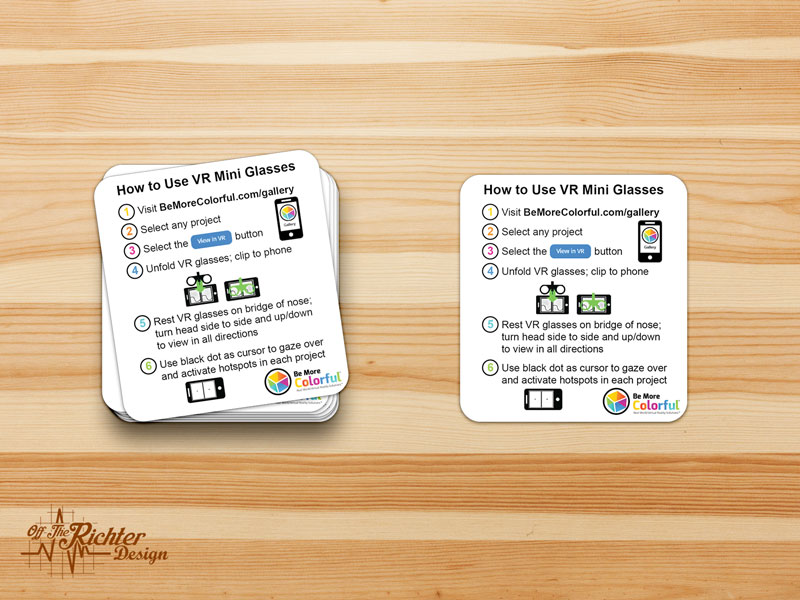
It’s always a pleasure working with the crew at Be More Colorful! Here’s a design we did for a sticker containing instructions to use their VR Mini Glasses. The sticker will be placed on the backside of the packaging box. Additionally, these awesome VR Glasses can be purchased for only $5 from FargoStuff.com

Fsutil.exe is a built in filesystem tool that is useful to do file system related operations from command line. We can create a file of required size using this tool. fsutil file createnew filename length (length is in bytes) For example, to create a dummy file test.txt, with size as 50MB: Note: The above command…
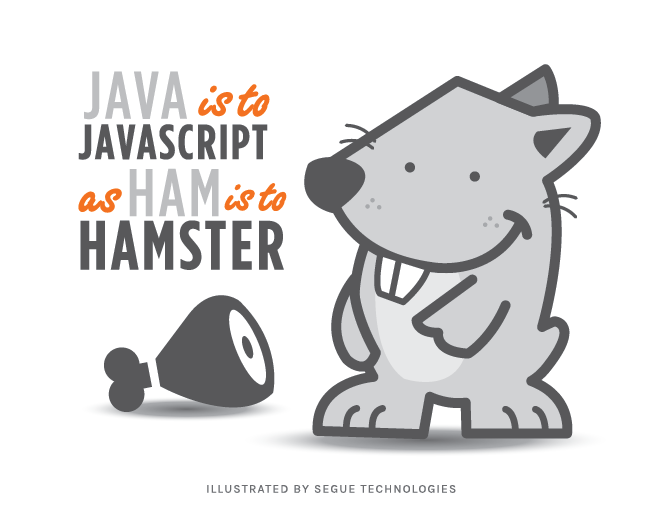
Whether you are new to programming or currently hold a position such as Principal Architect, it’s important to know there is a difference between Java and JavaScript. New programmers and non-tech people alike have long confused Java and JavaScript, but their only commonality is the word “Java.” Each is a programming language useful in its…
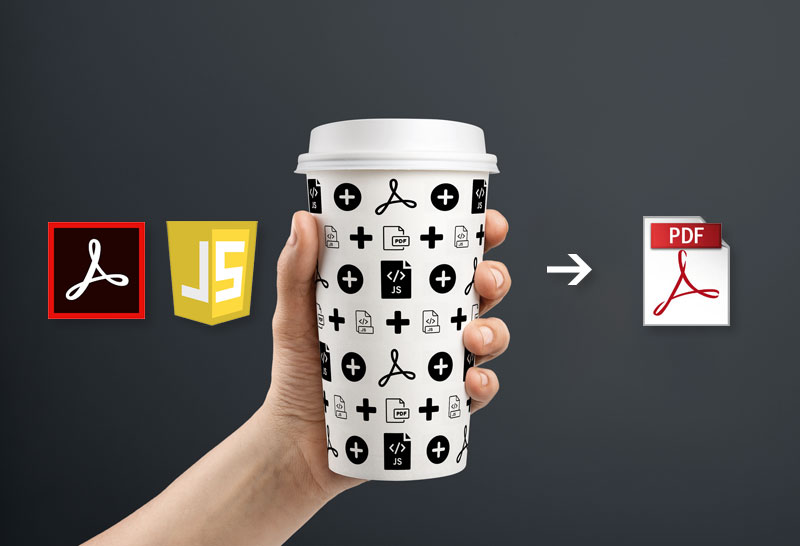
Have you ever needed to submit a PDF to a specific file path, but couldn’t figure out how to accomplish this? Let’s do it! Here’s how the file name will appear when the users selects the submit button in the form in this scenario. Here’s the JavaScript placed on the submit button in the PDF:…

In addition to the post: Acro Javascript: Question Icons / Buttons an additional way to include instruction to users who may have questions when filling out more complex forms is to use placement text within the form fields. Here’s how the PDF could function: To do this, start by opening a PDF form. Select the…

There is no excerpt because this is a protected post.